Mijn WMP app
Your portfolio always
within reach
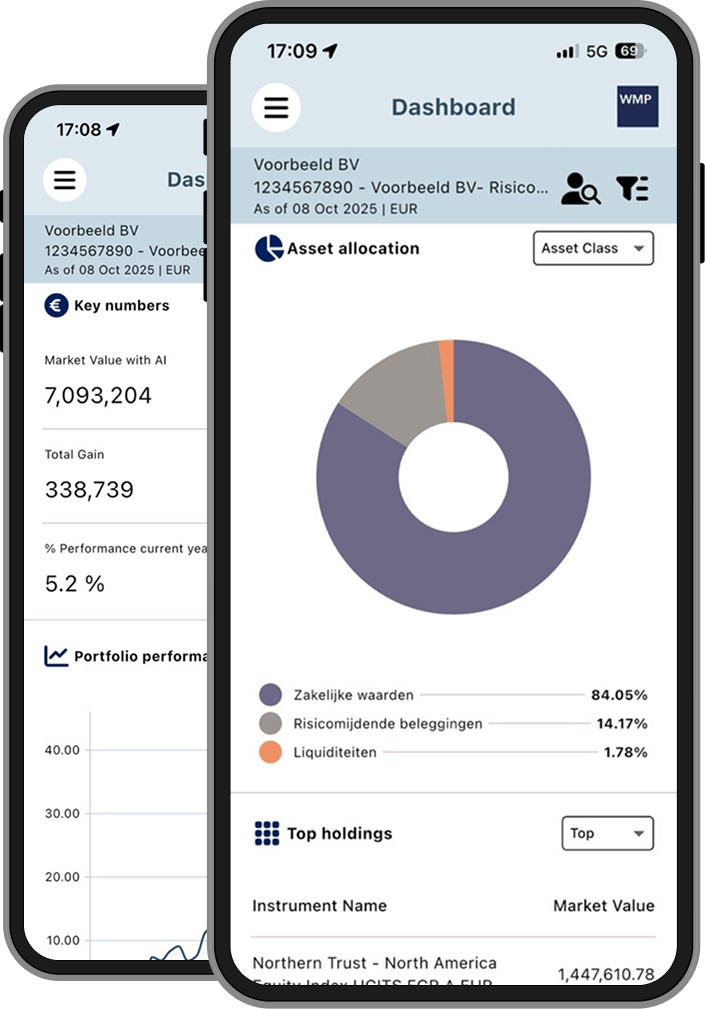
With the Mijn WMP app, you always have insight into:
- Portfolios and returns
- Transactions
- Reports
How does it work?
Step 1: Activate your account via desktop
- Go to the Login Mijn WMP page.
- Enter your username and (one-time) password.
- You will receive a verification code on your mobile phone — use this code to log in.
- Create a new password. You will use this password for both the desktop version and the app going forward.
Step 2: Download the app
- Search for "Mijn WMP" in the App Store or Google Play Store, or use the buttons below.
- Log in using the same details you use on desktop.
- You will receive a verification code on your mobile phone — enter the code for additional security.
- After logging in, you can enable Face ID (biometrics). From that moment on, you will no longer need to enter a verification code.
The app uses two-factor authentication via SMS, ensuring a secure login at all times.


FAQs
When logging into the new Mijn WMP environment for the first time, you must do so via desktop so you can change your temporary password. Afterwards, you can use the mobile app directly.
This app will remain accessible for a few days after 20 January, but no new documents will be added. Please activate the new app as soon as possible to access up-to-date information. Your (historical) documents are also included in the new app.
Your phone number on record with WMP may no longer be up to date. Please contact us and we will help you resolve the issue.
Go to the desktop version of Mijn WMP at wmp.nl and click on "Forgot password". Follow the instructions to set a new password. You can also use this new password in the app.
The app is primarily intended for viewing your portfolio. To carry out transactions you can contact your asset manager.
Contact
Do you have questions or need support using the Mijn WMP app? We are happy to help.
Phone: 020-426 39 70
Email: info@wmp.nl
We are available on business days from 09:00 to 17:00.